
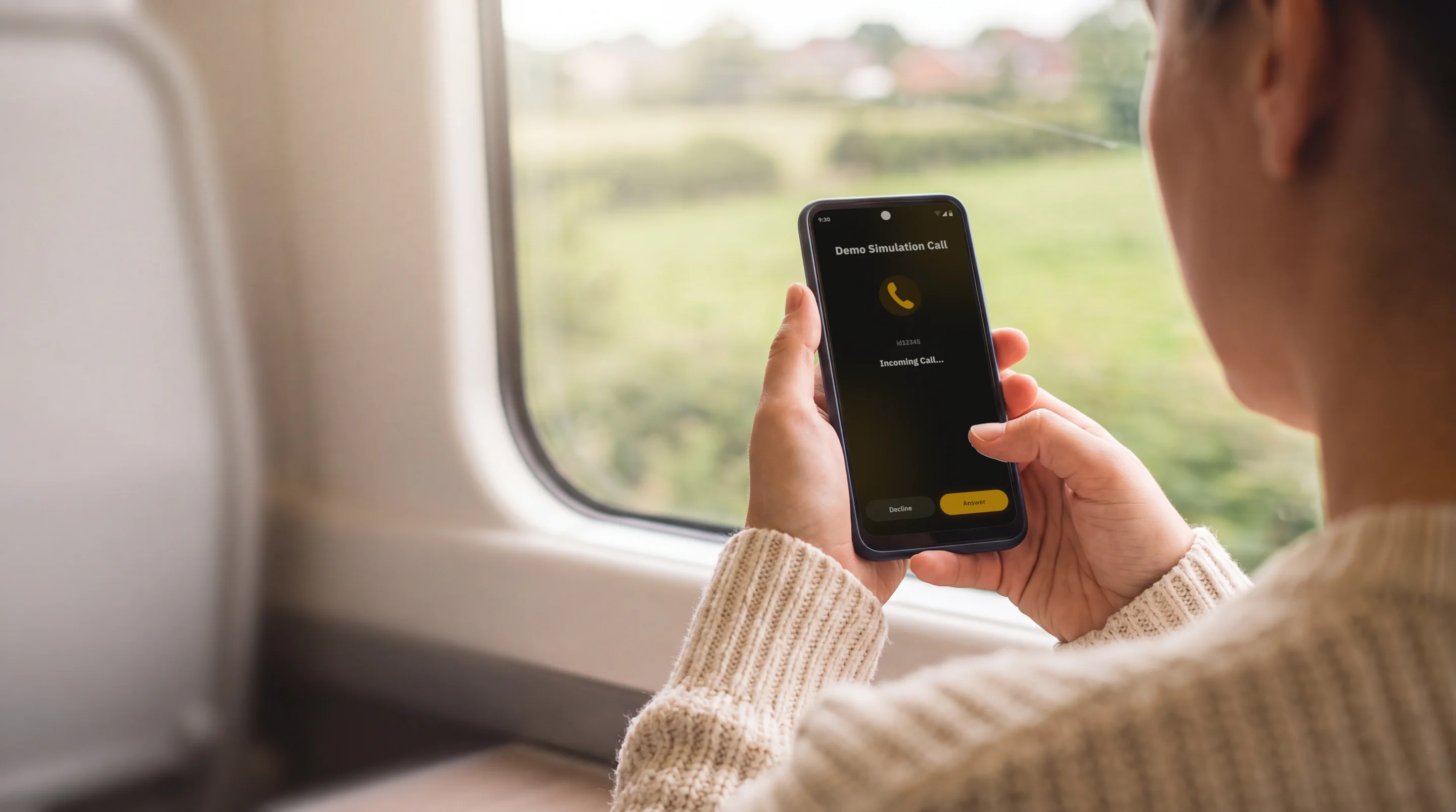
Your app's users already take calls. Now your app earns from them.An Android app monetisation SDK, with no ads and no new screens.
50% revenue share. A dedicated integration engineer. Revenue is not guaranteed. Read the SDK brief
- of net termination revenue, typically, set in your partner agreement
- 50%
- of net termination revenue, typically, set in your partner agreement
- revenue share paid by wire
- Monthly
- revenue share paid by wire
- payment threshold; smaller amounts roll over
- $100
- payment threshold; smaller amounts roll over
- upfront to integrate
- $0
- upfront to integrate
Terms as published on jingleplugin.com. Revenue depends on your users, their geography and usage, market rates and your partner agreement. It is not guaranteed.
Every new revenue line costs you something.
More ads mean more interruptions, slower screens and heavier data use. Paywalls and subscriptions turn away the users who will not pay. Every monetisation choice you make trades against the experience you built.
Ads compete for the screen.
Banners and interstitials take space, attention and data.
Ad revenue depends on the auction.
Fill rates and bids move without you.
Most users never pay.
Subscriptions and in-app purchases earn from a minority of your audience.
Jingle earns from completed international calls instead of from ads, so it stacks on top of what you already earn instead of competing with it.
Four steps from install to payout.
- 01
Integrate
Add one dependency to your Android app. No new user-facing screens to build, and a dedicated integration engineer works alongside your team.
- 02
Users opt in
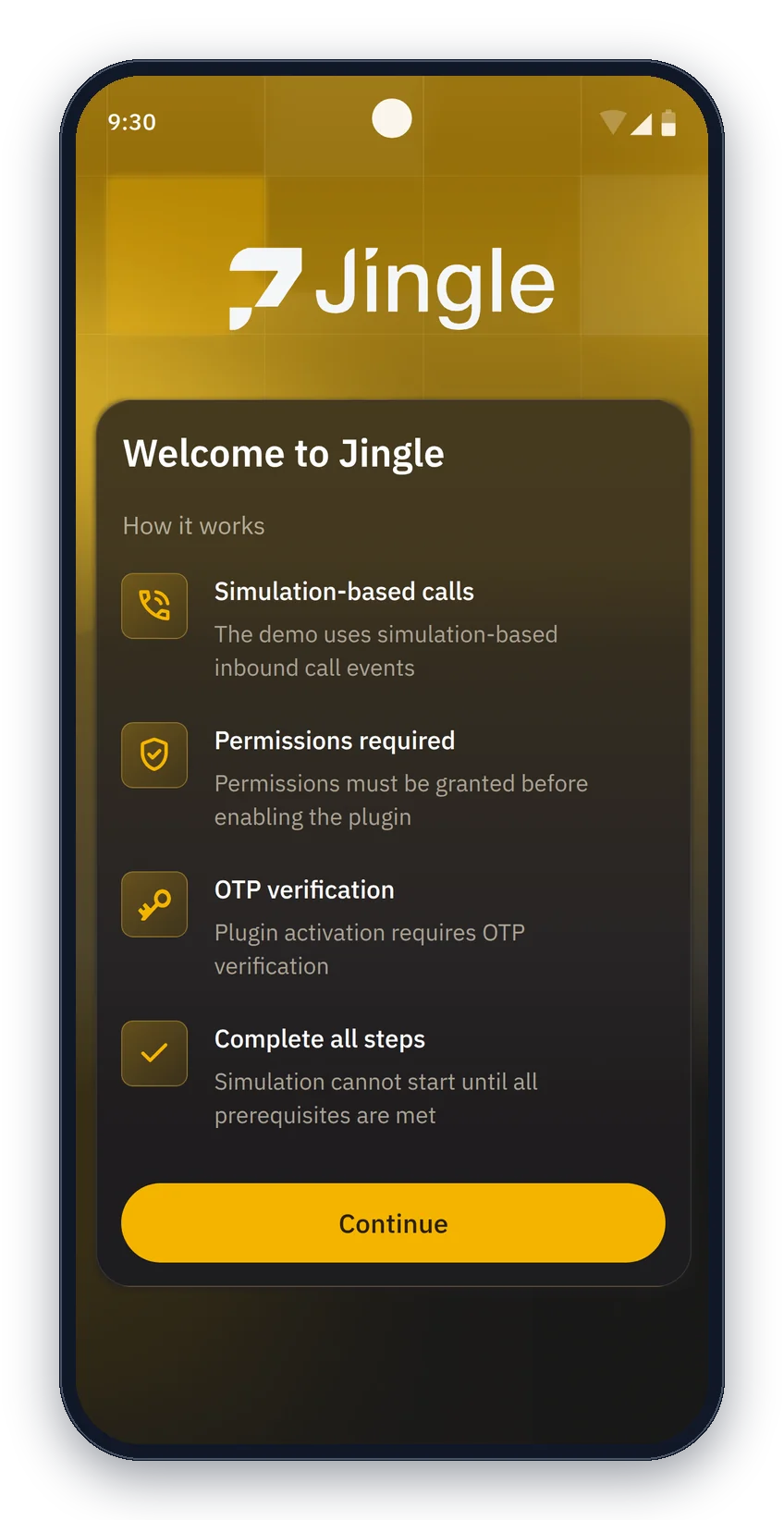
Users see a plain-language explanation of what Jingle does, agree, grant permissions with a reason for each, and confirm with a one-time SMS code. Nothing activates before that.
- 03
Calls arrive
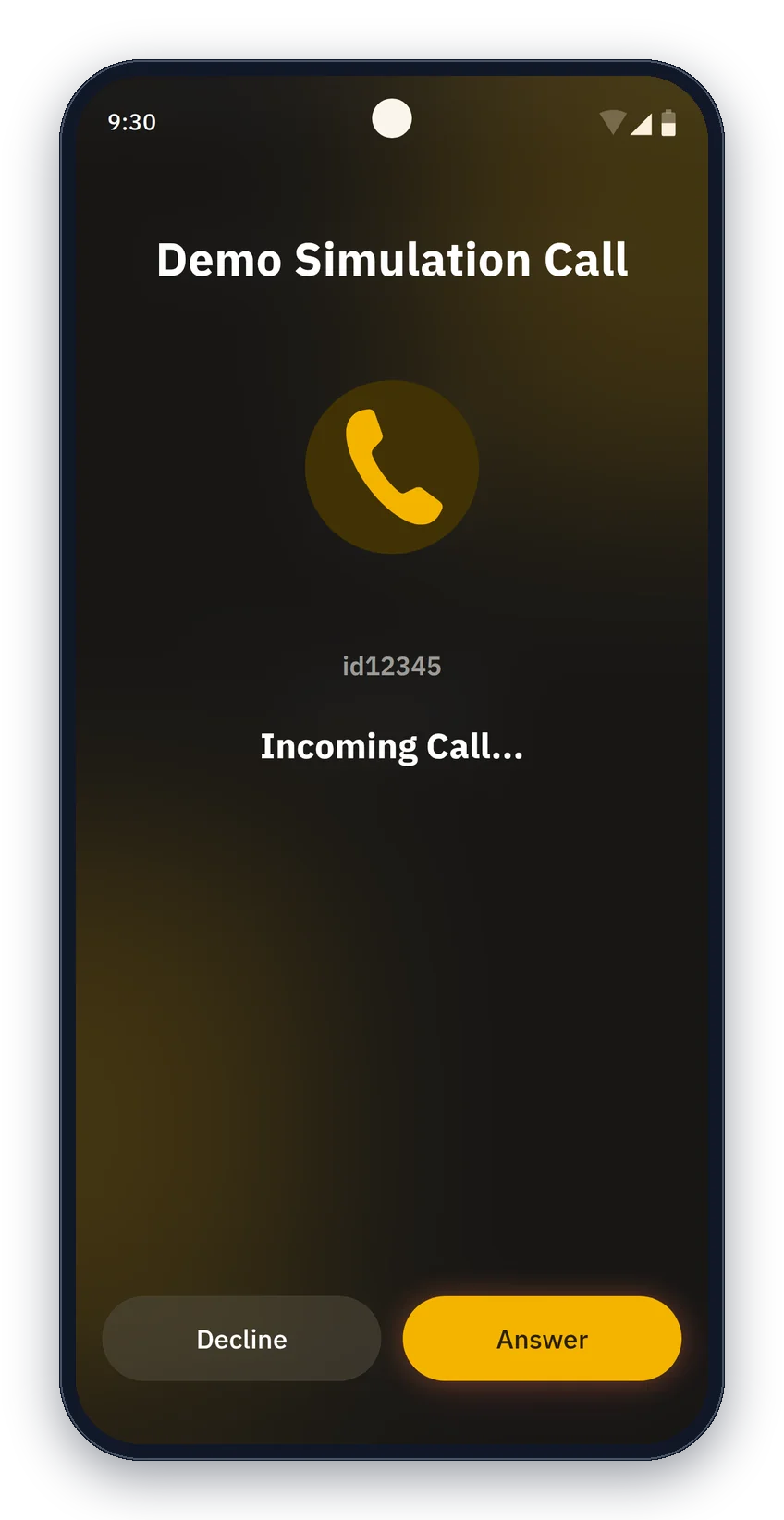
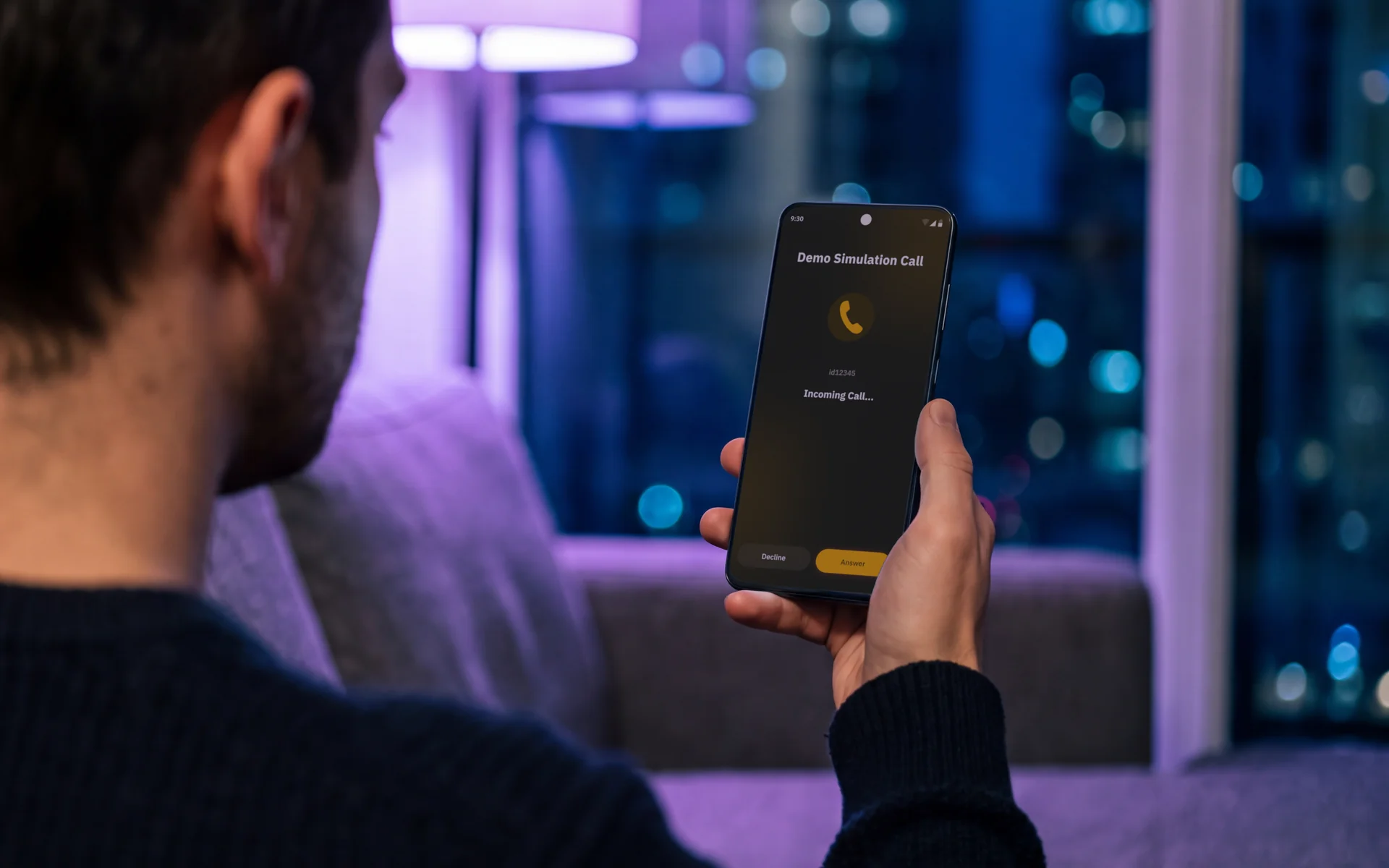
International calls ring on the incoming-call screen users already know. They answer or decline like any other call. If they are already on a call, Jingle sends the call elsewhere.
- 04
You earn
Every completed minute earns termination revenue at wholesale rates, and you keep a share of the net. Track it live in your partner portal; get paid monthly.
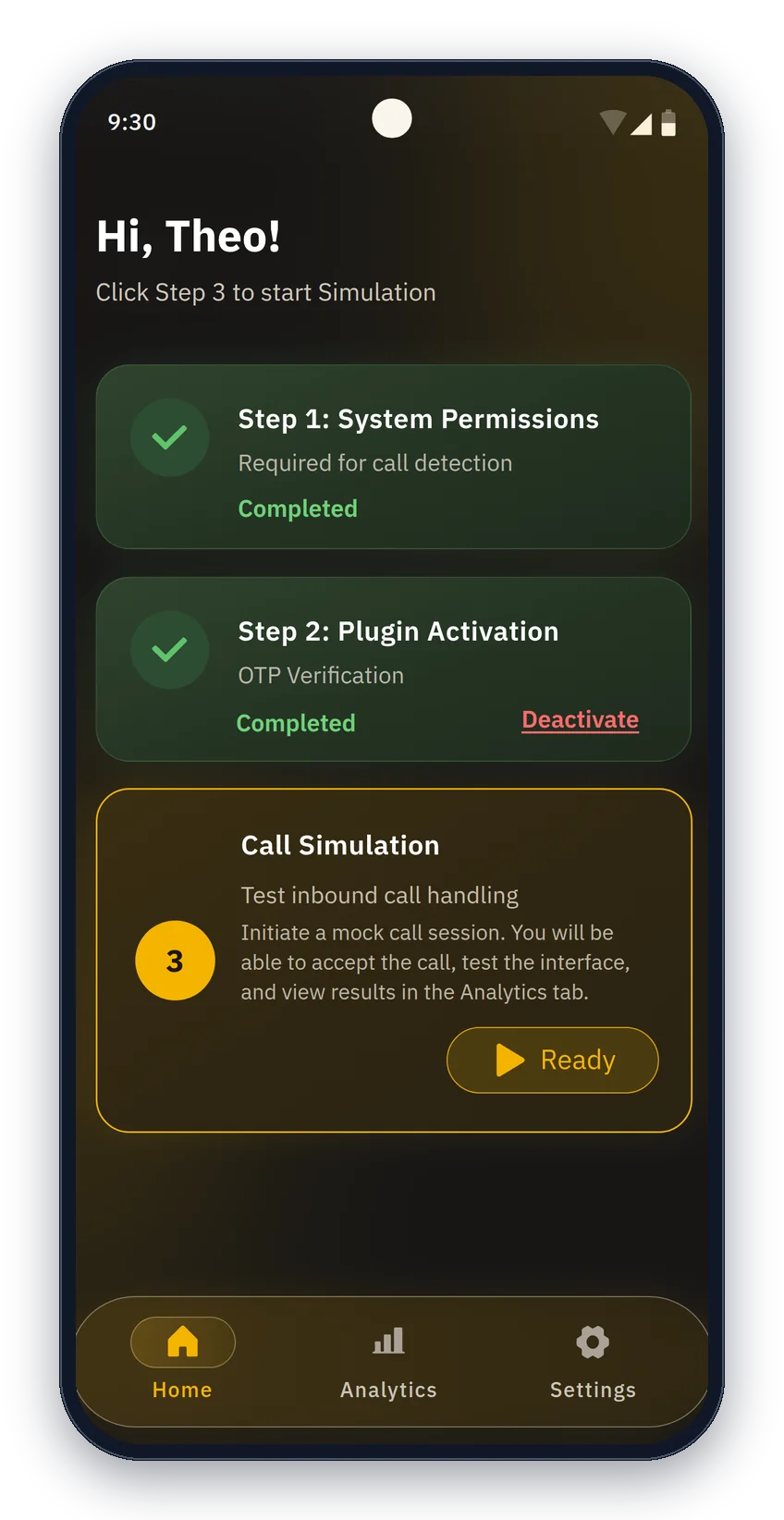
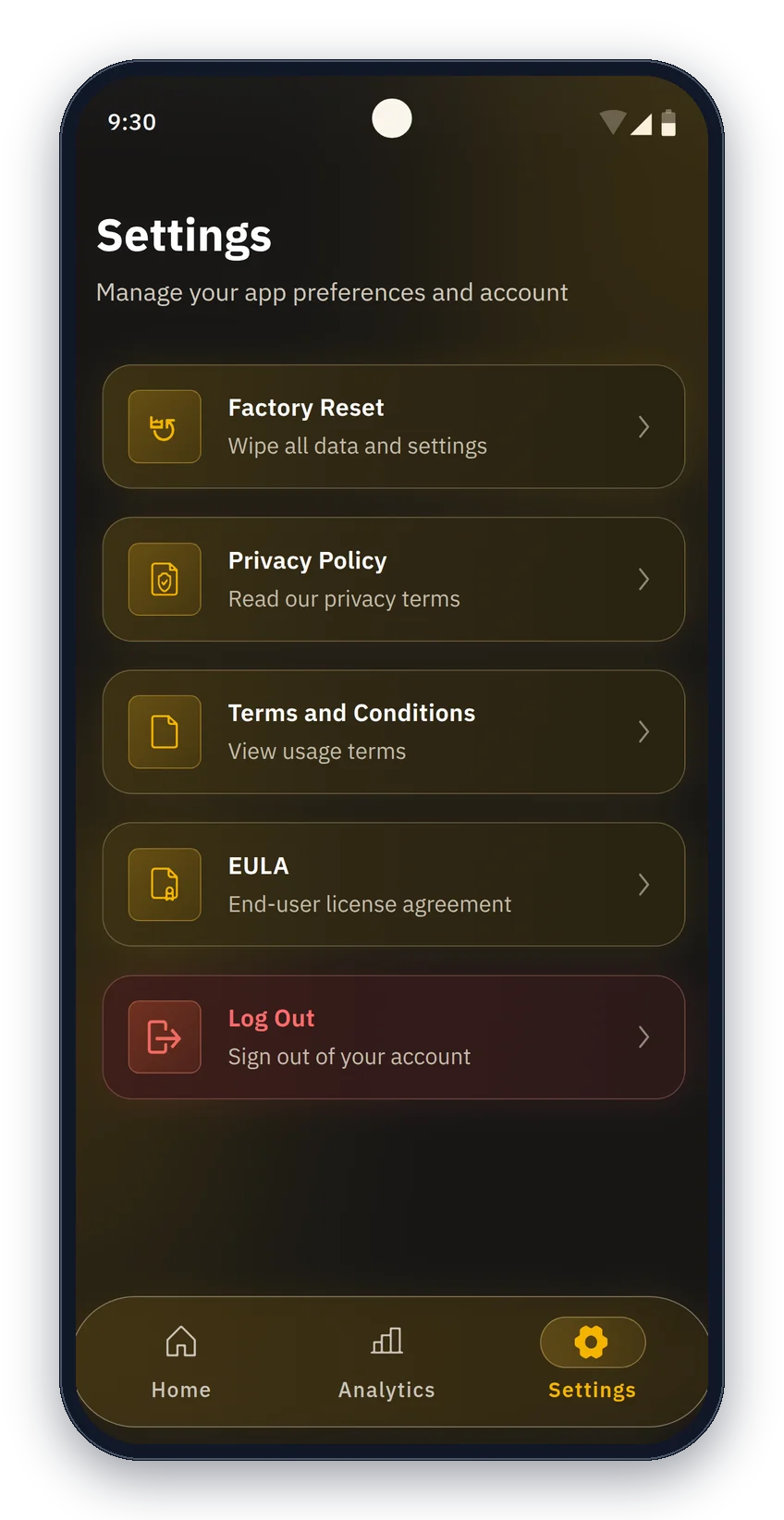
Screens from the Jingle demo app, which runs on simulated calls. Users stay in control in Settings. Your earnings show in the partner portal.
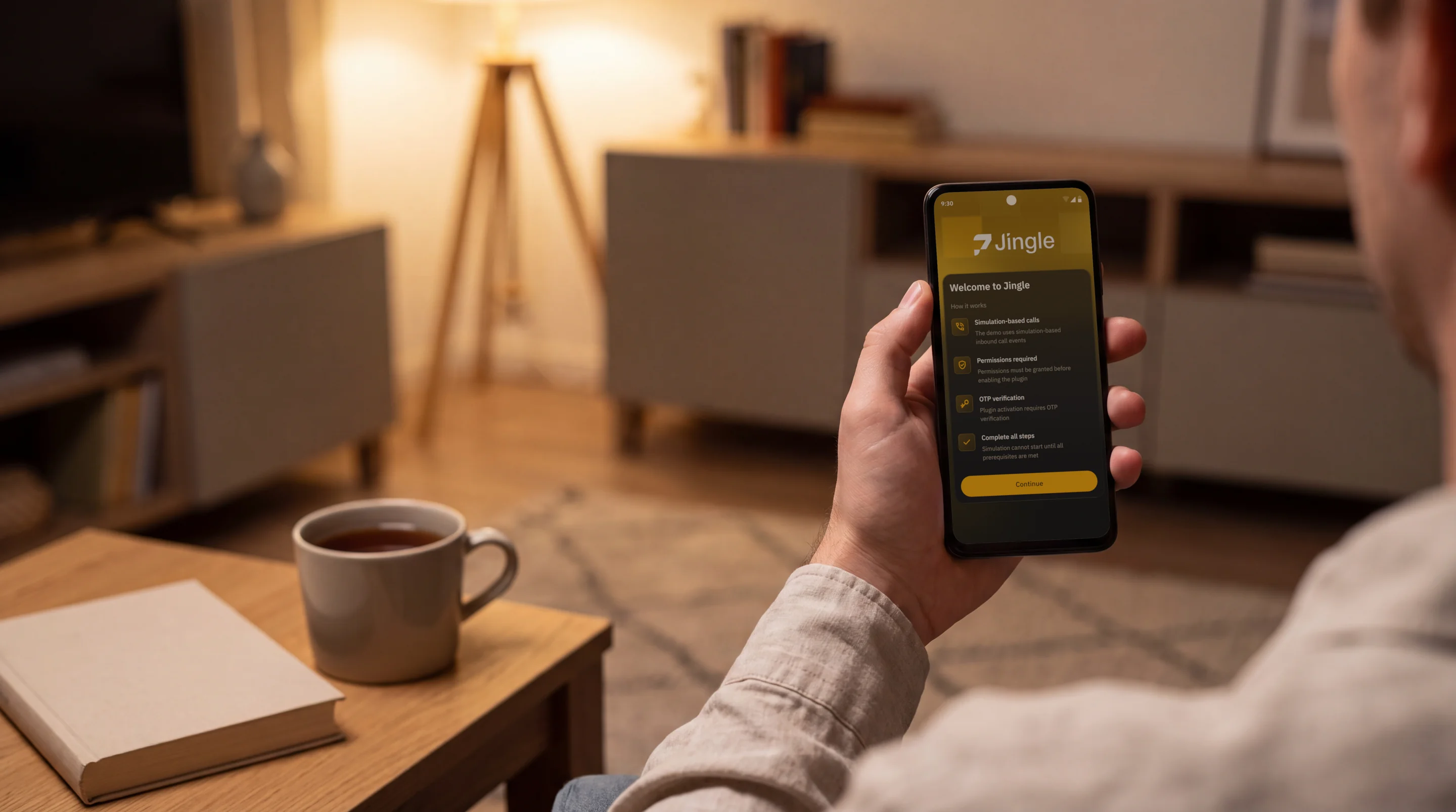
Just like any other call.
A Jingle call rings on the same incoming-call screen your users already know. They answer and talk, or decline. There are no ads and no new screens to learn, and they can switch Jingle off whenever they like.
Consent first, every time
- A clear explanation of what Jingle does and what data it uses, shown before anything is asked.
- An explicit "I Agree", then the standard Android permission dialogs, each with a plain reason.
- A one-time SMS code on the user's own number to confirm the opt-in.
- An off switch in settings. Turning it off, or removing a permission, pauses Jingle straight away.
“Turn on Jingle and your phone can receive international calls through the network. They come in as normal calls you can answer.”
From the consent screen Jingle ships.
Your share of every completed minute.
You earn a share of the net termination revenue from every completed minute on your opted-in users' devices, typically 50%, set in your partner agreement. No ad inventory, no fill rates, no auctions.
Opted-in users x minutes per user per month x revenue per minute x your share
Revenue is not guaranteed. It depends on your users, their geography and usage, market rates, traffic volumes and the terms of your partner agreement.
What moves the number
- Where your users are: some destinations earn higher per-minute rates than others.
- How many users opt in.
- Call demand on the network at the time.
Getting paid
- Monthly wire transfer, within 30 days of month-end.
- Paid from $100; smaller amounts roll over to the next month.
- A monthly statement with call volumes, durations, rates and your share.
- No upfront cost, and the portal is included.

One dependency. A handful of calls. An engineer beside you.
Add the plug-in, gate on permissions, verify the user with an SMS code, and start the call service. Eight methods take you from install to live calls, and every partner gets a dedicated integration engineer. You go live as fast as your team can integrate.
- Android 8.0+ (minSdk 26)
- Native Kotlin; works in Flutter and React Native apps
- Opt-out in one call: deactivate()
- Roll out by country, app version or user group, and pause remotely
// app/build.gradle.kts
implementation("io.minutesnetwork:jingle-fullservice:5.6.0")

// Gate on permissions, then start the foreground call service
private fun startSdkIfReady() {
    if (!JinglePermissions.check(this).allGranted) return
    JingleAdapter.getInstance(this).start(JingleStartParameters(
        serviceTitle = getString(R.string.call_service_title),
        notificationIconRes = R.drawable.ic_notification
    ))
}

// SMS one-time-passcode consent flow (keep off the main thread)
val jingle = JingleAdapter.getInstance(context)
val sessionJwt = jingle.sendSmsChallenge(phoneNumber, "your_app_id")
val verifiedJwt = jingle.verifySmsChallenge(sessionJwt, codeEnteredByUser)
jingle.activate(JingleActivationParameters(verifiedJwt))- 01
Set up
Keys issued, plug-in in your dev build, test in the sandbox. Meet your integration engineer.
- 02
Build
Wire up the call screen, the consent and disclosure flow, and microphone permissions.
- 03
Test
End-to-end testing and a compliance review with your engineer, including battery and data use.
- 04
Launch
Production keys, a phased rollout, and revenue tracking in the partner portal from the first opted-in user.
Every minute and every dollar, as it happens.
The partner portal is live from day one: revenue as it comes in, minutes terminated, opted-in users, call quality, and reports your finance team can export. No black box, no waiting for a monthly statement.
Portal access is included with the partnership. Your integration engineer issues credentials during onboarding.
Revenue
Your share, accruing per day, per month and lifetime.
Minutes
Every minute your user base terminates, counted as it happens.
Opted-in users
How many users completed the opt-in, and how that trends.
Call quality
Quality scores, jitter, packet loss and completion rates.
Geography
Where your traffic terminates, with per-destination detail.
Exports
CSV and PDF reports for finance and BI, on your schedule.
Built for Google Play policy, with help at submission.
Jingle ships the consent pattern Google Play's disclosure rules call for: a prominent disclosure before any permission request, runtime permissions tied to a feature the user understands, and an off switch that is always available. Your integration engineer reviews your consent flow, disclosures and Data Safety form before you submit.
Google Play makes its own decisions on every app. We help you prepare a clear, accurate submission.
What you get
- Reference consent screens and template disclosure copy
- A field-by-field Data Safety mapping for every data type the plug-in handles
- Android 14+ foreground service declarations shipped in the SDK's own manifest, so there is nothing to redeclare
- Reviewer response templates for your submission
Your submission checklist
- 1Privacy policy URL
- 2Data Safety form
- 3A video of the consent flow
- 4Disclosure copy that names Jingle
- 5Target API 35 (Android 15)
- 6Reviewer login details
Only what a call needs.
Jingle uses
- Microphone, for live call audio processed in real time and never recorded
- Network and connection status
- The country code of the verified phone number, to route calls to the right region
- A pseudonymised device token
Jingle never touches
- Contacts uploaded, messages, photos or browsing history
- GPS or location permission
- IMEI, Android ID or advertising IDs
- Audio recordings
Jingle data is used only to run the voice network and is never used for third-party advertising. An optional, skippable contacts permission can show saved names on the incoming-call screen; contact data stays on the device. Data processing agreement available on request.
Light on the device.
- Works only while a call is being handled, so there is no continuous background drain
- A visible notification during every call
- A push wake-up when a call is available, instead of a service always running
- Works over Wi-Fi and mobile data
Android apps with active users around the world.
Gaming
Users play for long sessions. A Jingle call arrives as an ordinary call; then it is straight back to the game.
Fintech
A new revenue line alongside the products you already offer.
Social and messaging
Users already trust the app with communication.
Utilities
Always-on apps with long install lifetimes.
eCommerce
Large international user bases.
Communication
Voice apps with permission flows already in place.
Revenue is paid to you. You decide whether and how to reward your users: callback events let you offer data top-ups, in-app credits or premium features if you choose.
Questions
Will this annoy my users?
How much work is it for my team?
Does it replace my ads or subscriptions?
Do I have to change my app's UI?
Can I roll it out gradually?
When and how do I get paid?
Is revenue guaranteed?
What does Jingle access?
Can users turn it off?
What happens when my app is closed?
Does it work with Flutter or React Native?
Related products
Minutes Network AI
Talk to AI from any phone, and numbers and connectivity for the AI you build.
See the productFull-stack communications API
One API for voice, SMS, verification, numbers, routing and AI voice agents, at wholesale rates.
See the productMinutes Network Accelerator
Own dedicated ports on live wholesale voice routes and keep the margin they earn, which is not guaranteed.
See the productPacketExchange
The live carrier marketplace for voice and SMS, with a hosted switch, API, dialer and numbers.
See the product